Playlist in the browser
Podcast search, subscriptions and episode order happen on a big screen. The watch only has to download the finished list.
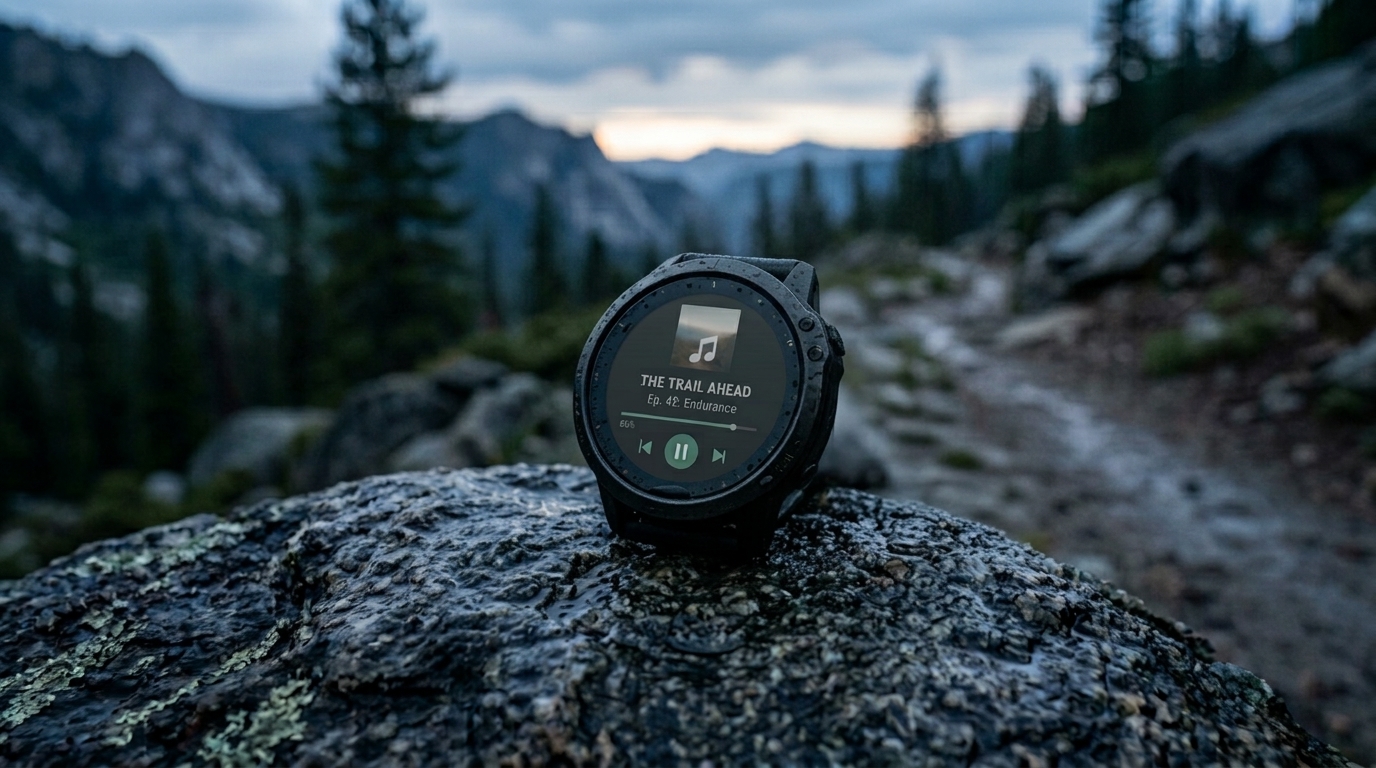
ProCast — podcasts on Garmin watches. Build a queue of episodes in the browser and let the watch pull it with a single Synchronize command. Finished episodes leave the list, your position travels back from the watch to the web — no phone in your pocket.
Free. An account only stores your playlist.
Features
Every feature solves a concrete problem of listening offline on a device with no browser and no keyboard.
Podcast search, subscriptions and episode order happen on a big screen. The watch only has to download the finished list.
Set a starting point from the browser, and the position recorded on the watch comes back — pick up where you stopped in any player.
A completed episode leaves the queue on its own. Stop with a couple of minutes left and it still counts as finished.
Flip the toggle on a podcast and new episodes enter the queue by themselves, ten per sync at most.
Per podcast: new releases go to the top of the queue or the bottom. News up front, long interviews at the back.
How it works
Set the pairing up once, then it is just the Synchronize button on the watch before you head out.
ProCast installs onto the watch through Garmin Connect IQ and shows up in the app list next to music.
Search runs against the PodcastIndex.org catalogue. The plus button adds a podcast to your list; inside a podcast it queues an episode.
Reorder with arrows, the to-top/to-bottom buttons or drag and drop. Play an episode right in the browser, and the player button saves the current position as the watch starting point.
The Synchronize command in the watch app downloads the queue. After your run, the next sync carries positions back to the browser.
News
No news yet — this section will fill in when there is something to share.
Pricing
ProCast is free for basic syncing. Pro unlocks advanced features for long episodes.
The base tier, at no cost:
Advanced features for podcasts on your Garmin watch:
| Duration | Base Price (RUB) | Approx. USD | Approx. EUR |
|---|---|---|---|
| 1 Month | 180.00 ₽ | ~ $2.14 | ~ €1.91 |
| 3 Months | 500.00 ₽ | ~ $5.95 | ~ €5.30 |
| 6 Months | 900.00 ₽ | ~ $10.71 | ~ €9.54 |
| 1 Year | 1,600.00 ₽ | ~ $19.04 | ~ €16.96 |
International currencies are converted automatically at checkout by our payment provider based on the current exchange rate.
Get ProPayment and subscription management are handled by lava.top.